
Figma invoicing plugin
Create client invoices without leaving Figma.
Turn your finished work into a branded invoice, export a PDF, and keep track of what each client has paid.

Your invoice in three steps
Start with a client, add the work, and finish with a PDF ready to send.
-
 Step 1
Choose who you’re billing
Pick your sender profile and client. Their billing details and payment terms fill in automatically.
Studio invoicesFigma Design 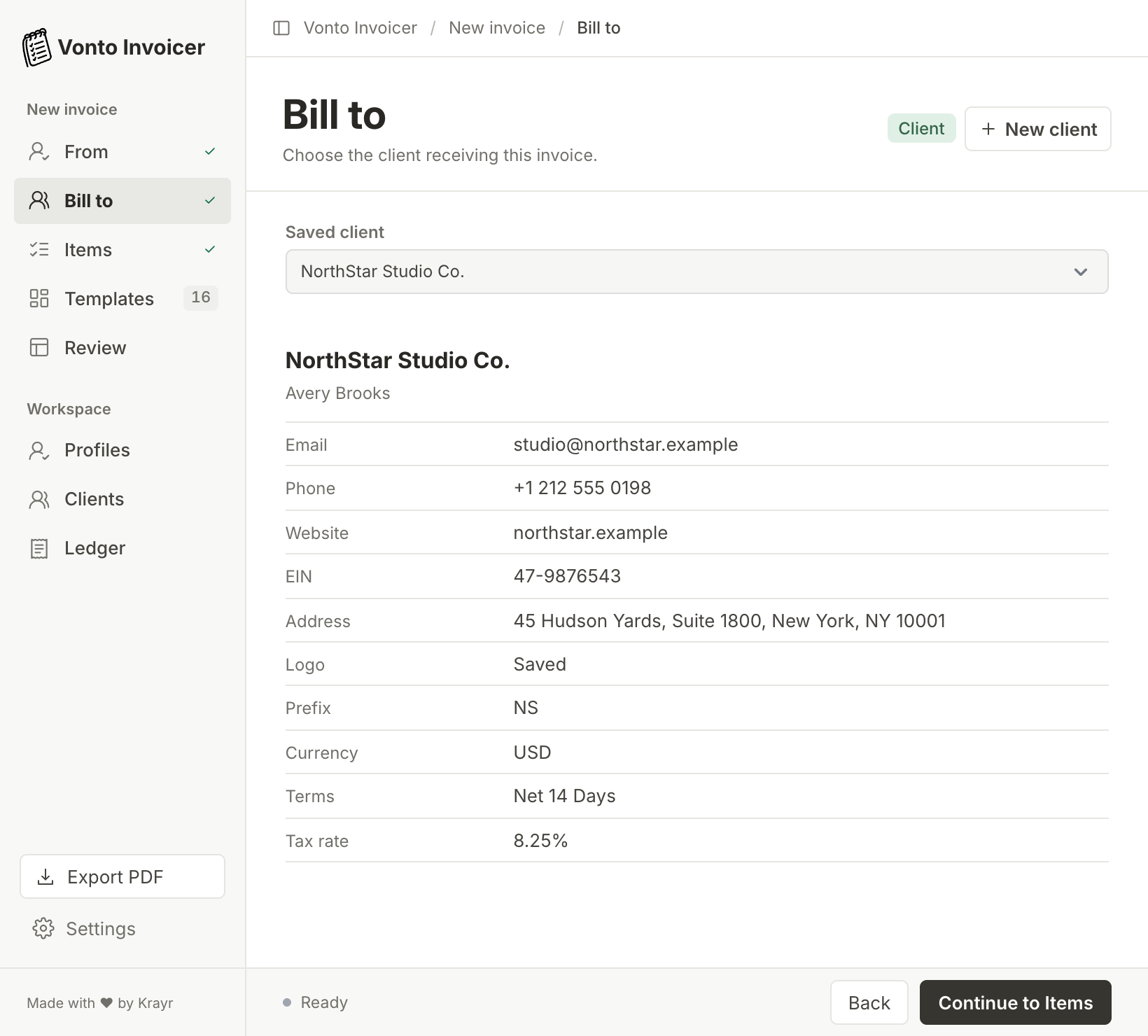
-
 Step 2
Add your work
List each service, quantity and rate. Set the due date and add a discount if needed.
Studio invoicesFigma Design 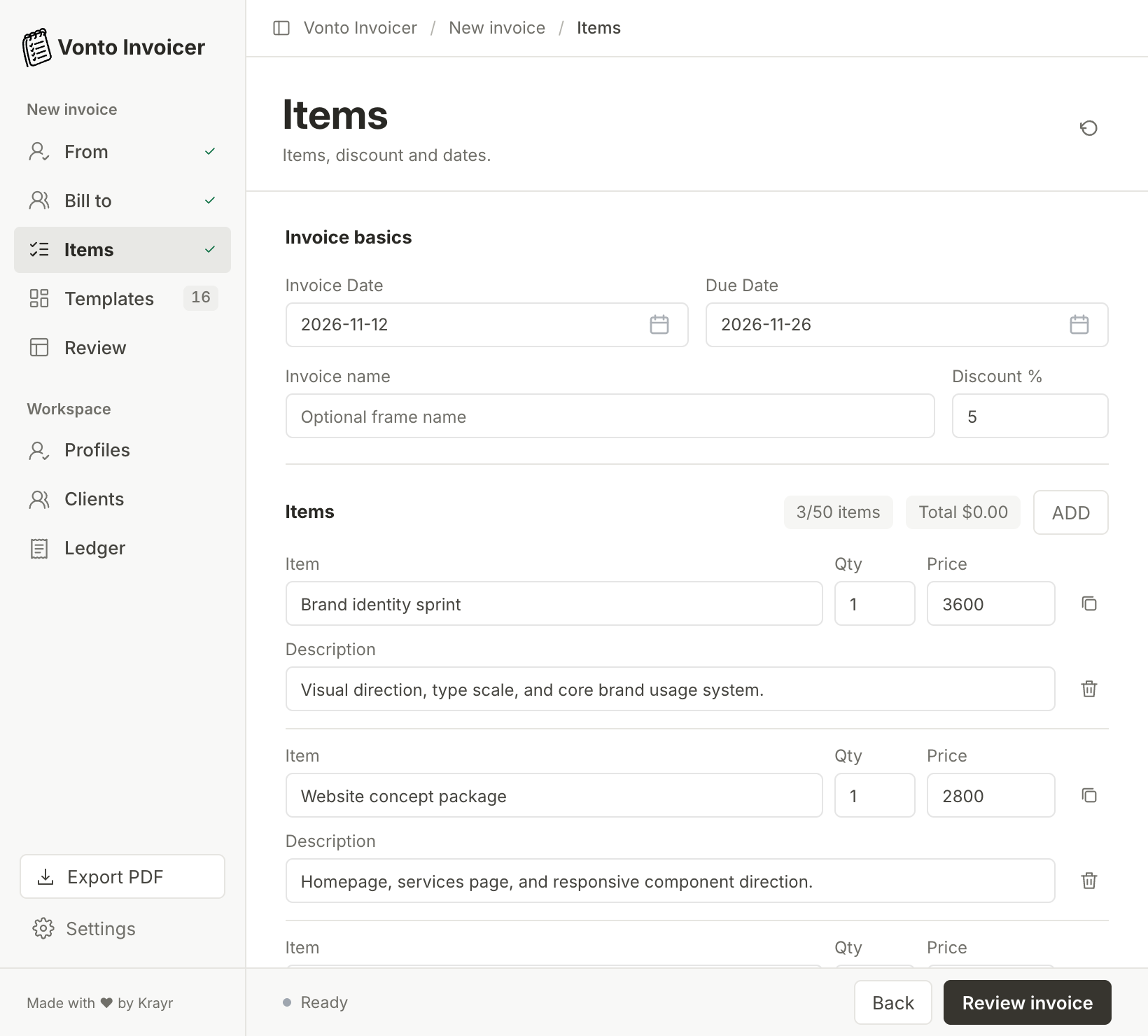
-
 Step 3
Create and send
Choose a template, review the total and create the invoice. Export the PDF to send to your client.
Studio invoicesFigma Design 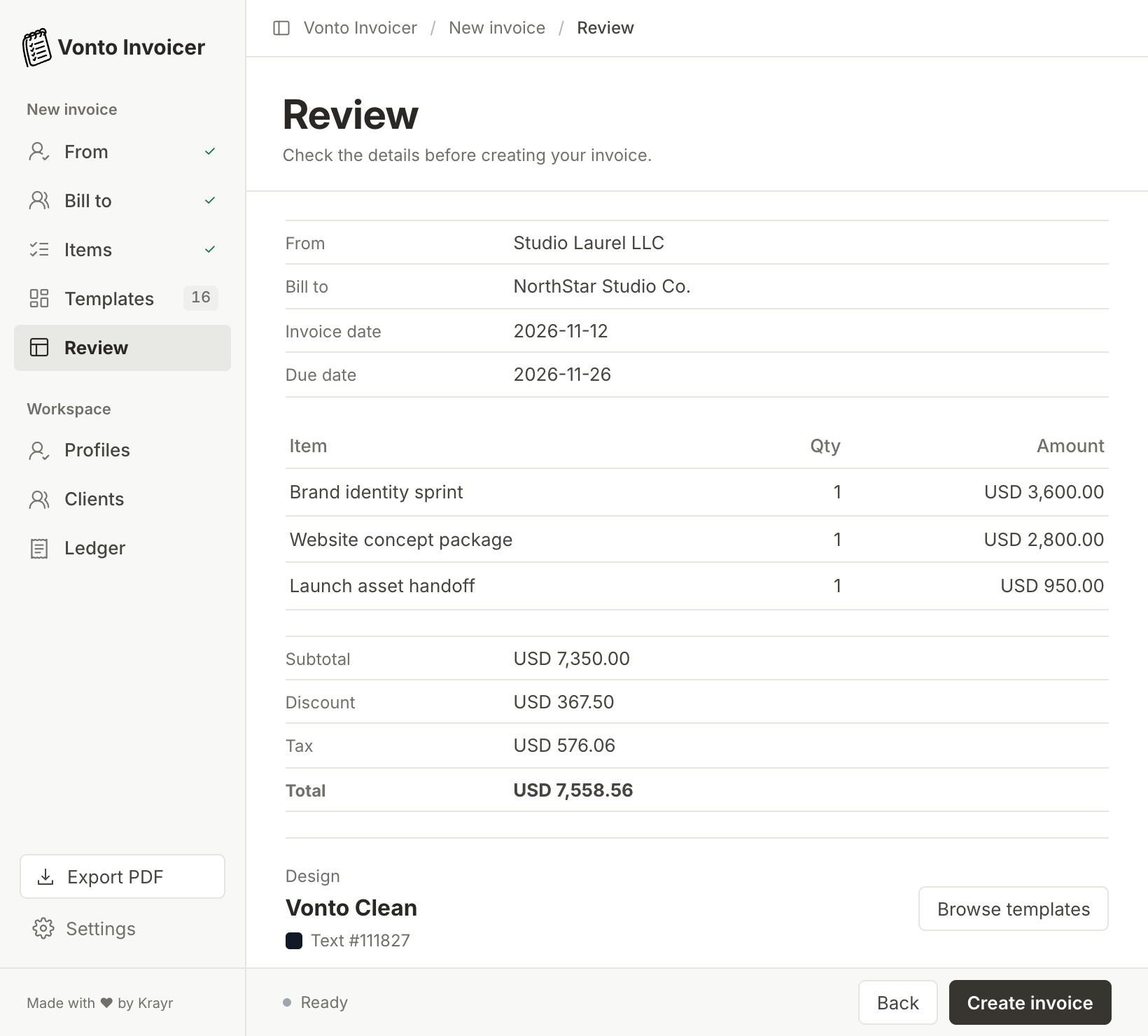



A place for every invoice.
Open Vonto Invoices in your Figma file. Each client has a section of their own, with a ledger just above it.
- Grouped by client
- Payment tracking
- PDF export
 Vonto InvoicerInvoice ledger
- Client
- NorthStar Studio Co.
- Invoices
- 1
- Last invoice
- NS-0024
- Total paid
- USD 0.00
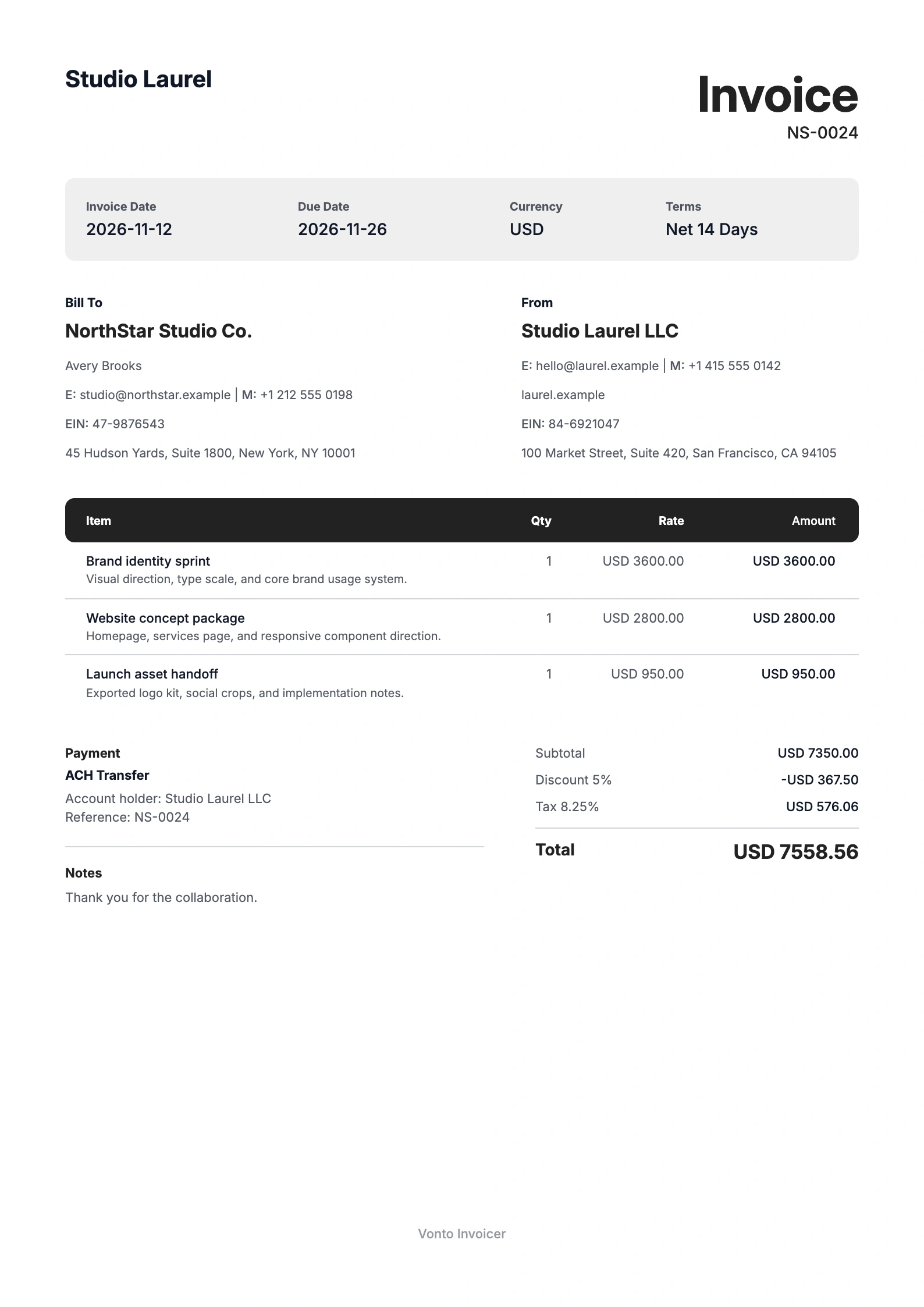
The ledger and invoice frames share one client column.
Find your invoice style.
Use each template’s colors or set your own text and accent colors in your sender profile. You can also match SVG logos to the template in Settings.
More templates coming soon.

Common questions
Billing, files and backups.
Get supportGetting started
Is Vonto Invoicer free?
Yes. The plugin and its invoice templates are free. This site is a preview ahead of launch.
How do I start an invoice?
Once the plugin is available, run Vonto Invoicer in a Figma Design file you can edit. Select a sender and a client, add your work, then choose Review to create the invoice.
Design & export
Can I use my own branding?
Yes. Use your sender logo and choose primary and accent colors for the invoice.
What about longer invoices?
Items continue onto additional pages. Export them together as one PDF in A4 or US Letter.
Can I see a sample PDF?
Open a Vonto Clean example to see the finished document.
Files & backups
Where do my invoices live?
Look for the Vonto Invoices page in your Figma file. Each client has a separate section.
What does a backup restore?
It replaces saved profiles, clients and preferences. It does not recreate deleted invoice frames.
Your next invoice starts in Figma.
Turn the work on your canvas into a PDF your client can pay.